
Film Break at Load
Problem
The film is broken after the first revolution.
Possible Causes for a Film Break at Load:
Film Issues / Film Roll Empty
Imperfections in the film create a weakness in the film that causes a break as the film is being delivered to the load.
Film roll edged damaged resulting and a preformed tear in the film
Film threaded incorrectly into the Film Delivery System (FDS)
Film being placed upside down on the FDS loading the film with the tacky side on the wrong side.
Load not properly centered in the wrap zone.
Film payout occurs with the assumption that the load is properly centered in the wrap zone. If the load is not properly centered, it could cause an unanticipated stress on the film during the wrap cycle resulting in it breaking.
Load configuration
Loads with extreme changes in girth
Sharp edges on the load can pierce the film and potentially cause it to tear resulting in a film break
Extremely light loads can cause the load to skew as the wrapping is occurring causing a whiplash effect causing a break
Film Delivery System (FDS) wear/centerline issues
Cuts in the coated film rollers
Set collar on RS2 coated roller comes loose resulting in a jerky motion of the coated rollers during film dispensing
Burrs/abrasions on the idler rollers
Bushings holding rollers and gate latch assembly in place have worn or broke resulting in chatter/excessive movement of the rollers during operation
S1 encoder malfunctioning resulting in inconsistent payout of film
Pre-stretch chain/belt wear
Machine centerlines
Wrap Arm rotation belt loose causing slippage during rotation
Film tension at start of wrap cycle incorrectly set up
Rotation bearing binding causing inconsistent rotation during film delivery
Solution(s)
For Load Issues: turn down tension and wrap a single cycle around load to cover sharp edges and hold protruding sides. Then return to home position and complete full wrap cycle overtop of the protective base layer.
For Film Issues:
Replace bad film roll or empty roll
Rethread the film carriage (see also: sticker instructions on exterior of film carriage)
open carriage door
swing out roller will pivot
make sure to go behind the metal idle roller
lay over all pre-stretch rollers (no weaving)
close the film carriage door
attach film tail to the vacuum clamp or the Load Seeking Clamp (between the bladders)
For Machine Issues:
Payout set too low: may over stretch the film and cause stress breaks, increase payout percentage to accommodate the film.
Bad S1 Encoder: The S1 encoder determines if payout is occurring so the encoder may be incorrectly registering a film break. Visually inspect for damage and tighten the set screw or replace. Spin it and view the pulse feedback in the high speed inputs section
Bad MPS VFD: The MPS (“Metered Pre Stretch”) VFD is the motor we use to payout the film. If the rate on payout is wrong because of MPS VFD issues, it can cause excessive breaks to occur. If you have VFD problems see the VFD Fault trouble shooting article here.
Bad Bearing: A bad bearing on one of the rollers in the film carriage causes the payout to become inconsistent or inaccurate and can cause excessive film breaks.
Cuts/sharp edges on the rollers in the film carriage: can slice the film, you can use sandpaper to sand down any sharp marks on the rollers. To prevent future scratching on the rollers, always use a safety cutter (not a razor or box cutter)
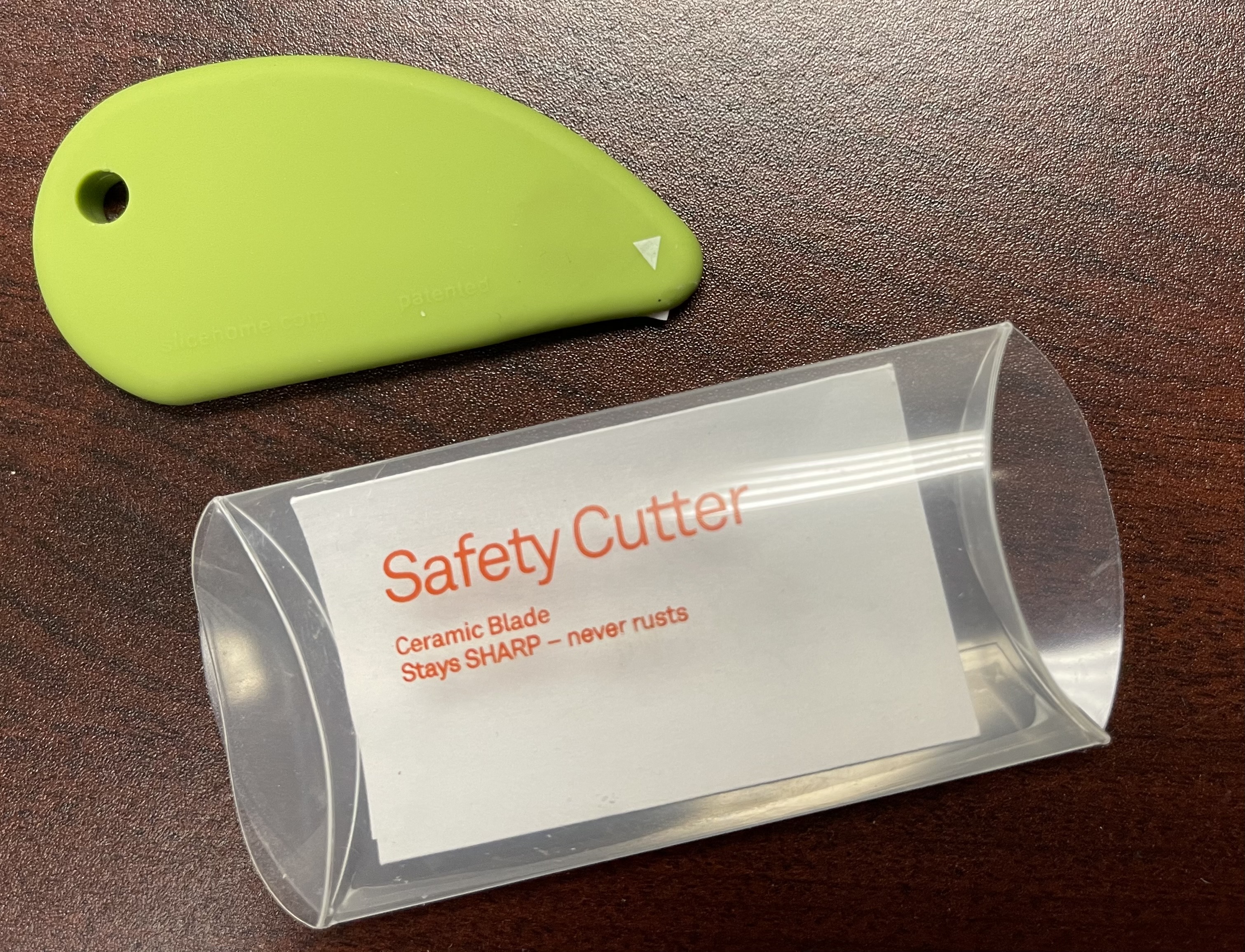
safety cutter